 GPT Image 2 is now available — try the latest OpenAI image model in your video projects.✨
 AIStory.Video
How to Make Hero Story Videos with AI

Hero story videos usually work for one simple reason: people want to see whether the character makes it through. You do not need a huge plot for that. You need a clear person, a clear problem, and an ending that lands.
That is why this format fits Shorts and faceless storytelling so well. If you want to make hero story videos with AI, keep it lean. Start with the arc, write a short script, then build scenes around the few moments that matter.
What hero story videos are
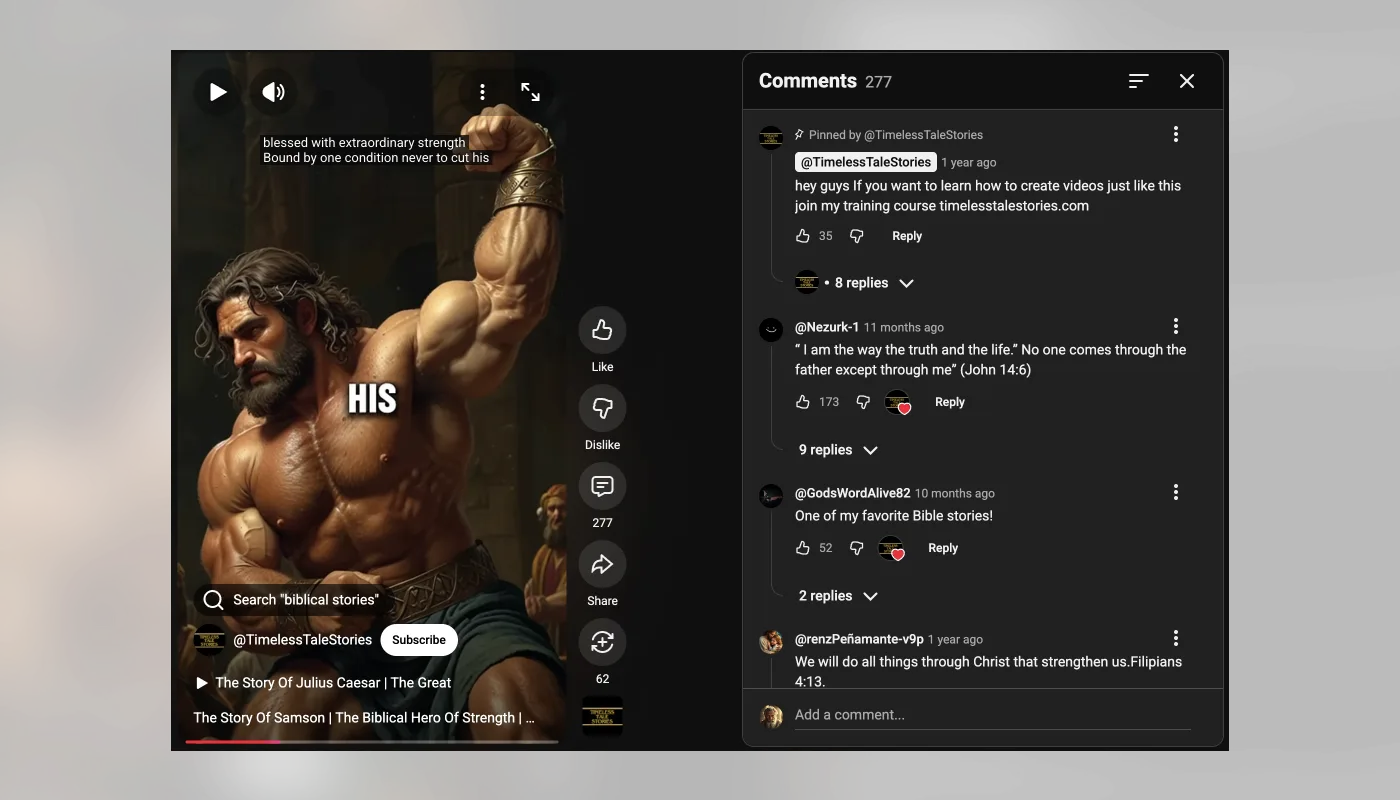
Hero story videos are short narrative videos built around one character facing pressure and changing by the end. The setting can be fantasy, history, motivation, even game style storytelling. The core stays the same.
The format works best when the viewer can understand three things quickly:
- who the hero is
- what is in the way
- why the ending matters
A structure that usually works
You can keep the structure very simple:
- Introduce the hero.
- Show the obstacle.
- Push the hero into a choice.
- End with the payoff.
Short videos do not need more than that.
How to make hero story videos with AI
Start with a character people can understand fast
Weak drafts often start with visuals instead of a person. That usually leads nowhere.
A better starting point looks more like this:
- a young fighter afraid of failing
- a leader trying to protect their people
- an outsider trying to prove they belong
- a quiet character forced into a brave moment
Write the story in one sentence
Before you generate the full script, pin it down in one line:
- "A scared young warrior has to defend her village before sunrise."
- "A forgotten hero gets one last chance to save the people who stopped believing in him."
If that line feels weak, the full video usually will too.
Generate the script
Story Script Generator is useful here because it gives you a first draft faster.
Write a 45-second hero story video script about a young warrior who is terrified of failure but has to protect her village. Open with a strong hook. Include one clear obstacle, one turning point, and an ending that feels earned. Keep the writing simple and visual.
When you review the draft, ask:
- Does the first line hook fast?
- Can I see the scenes clearly?
- Does the ending feel earned?
Break it into scenes
Most hero story videos only need a few visual beats:
- the hero before the conflict
- the problem appears
- the lowest moment
- the decisive action
- the ending shot
If the story does not split cleanly like that, the draft is probably trying to do too much.
Build the video and trim hard
With aistory.video, you can move from script to scenes to final edit in one flow:
- start with the hero story idea or script
- generate or confirm the scene list
- choose the visual style, voice, and music
- process the video
- open the editor and tighten the pacing
Then cut anything slow. Most hero story videos get better when you remove setup and leave the strongest emotional beats.
Hero story video ideas
If you want a few easy starting points:
- a hero who overcomes fear before the final moment
- a forgotten character getting one last chance
- a student turning into a leader under pressure
- a guardian protecting a family or village
If you want a related angle, History Story Video Generator is a natural next step.
What usually goes wrong
Most weak drafts have the same problems:
- no clear goal
- the obstacle comes too late
- the ending changes nothing
- the script sounds generic
Usually the fix is simple: make the story smaller and clearer.
Why aistory.video fits this format
Hero story videos get messy when the script, visuals, and editing all live in different tools.
aistory.video keeps that flow together. You can start from an idea or script, build the scenes, then finish the pacing in the editor.
If you want to turn a hero story idea into a finished vertical video, start here: Create with aistory.video
Related guides
FAQ
What makes hero story videos work?
They work when the viewer quickly understands the character, the problem, and the change.
Can I make hero story videos without showing my face?
Yes. Narration, generated visuals, and editing can carry most of the story.
How long should hero story videos be?
For YouTube Shorts and similar vertical platforms, 30 to 60 seconds is usually enough.
What kind of prompt works best for hero story videos?
The best prompts clearly define the hero, the conflict, the tone, and the ending.