 GPT Image 2 is now available — try the latest OpenAI image model in your video projects.✨
 AIStory.Video
How to Make 3D Animated Kids Stories with AI: A Step-by-Step Guide

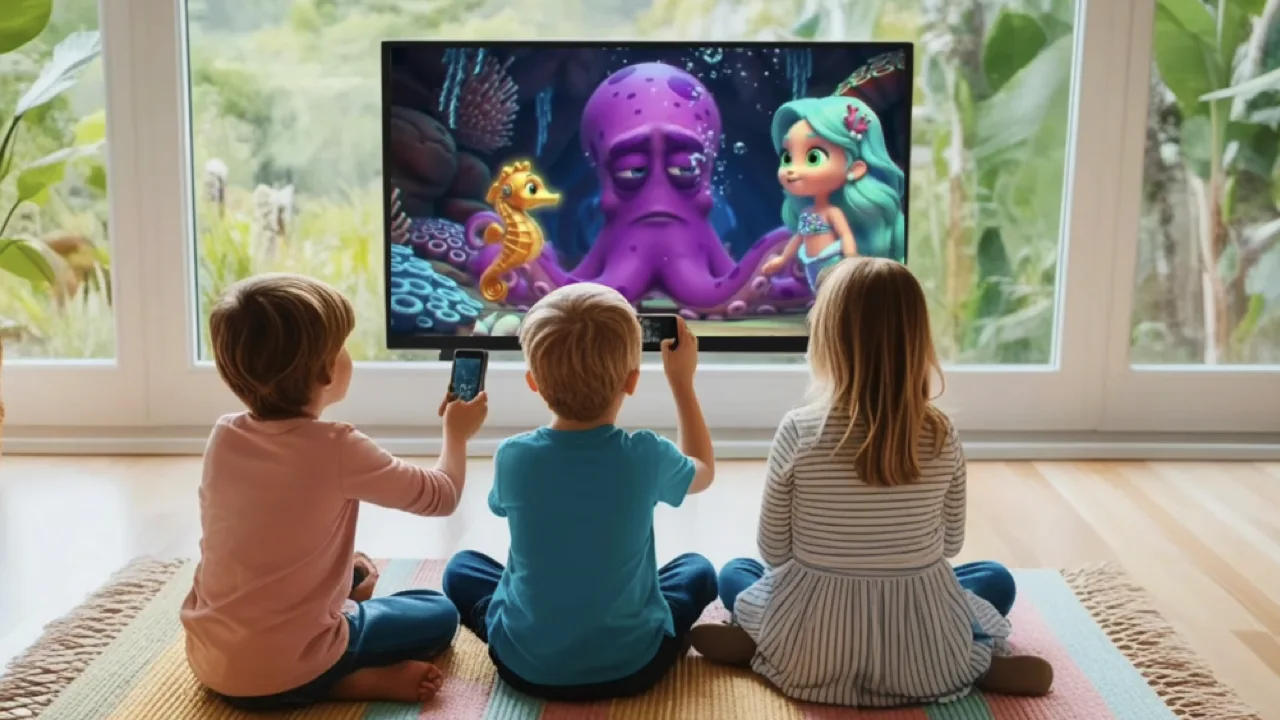
3D animated kids’ stories are a massive trend on YouTube right now. If you’ve seen channels like "Tiny Scouts" racking up millions of views, you know how powerful this niche is. But here’s the best part: you don't need a huge animation studio to do it anymore.
With the latest AI tools, anyone can turn a simple story idea into a professional 3D video. In this guide, I’ll show you exactly how to do it—from your first script to a finished video ready for YouTube.
Why 3D Kids Stories are a Goldmine
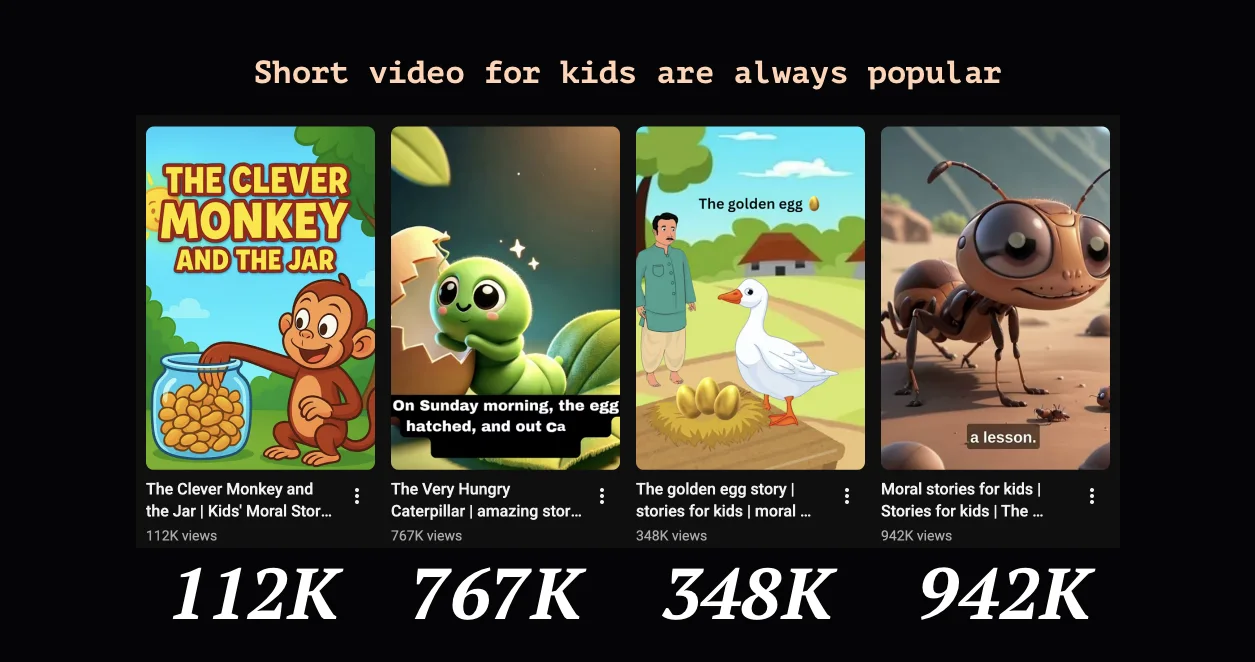
The "Kids" category is what we call an evergreen niche. Children love to re-watch their favorite stories, which means your videos can keep gaining views for years. Plus, 3D animation has that "premium" feel that grabs attention much better than simple 2D drawings. It’s high-impact, high-reward content.
The Traditional "All-in-One" AI Workflow
Most creators use a workflow that looks something like this (as seen in many popular tutorials):
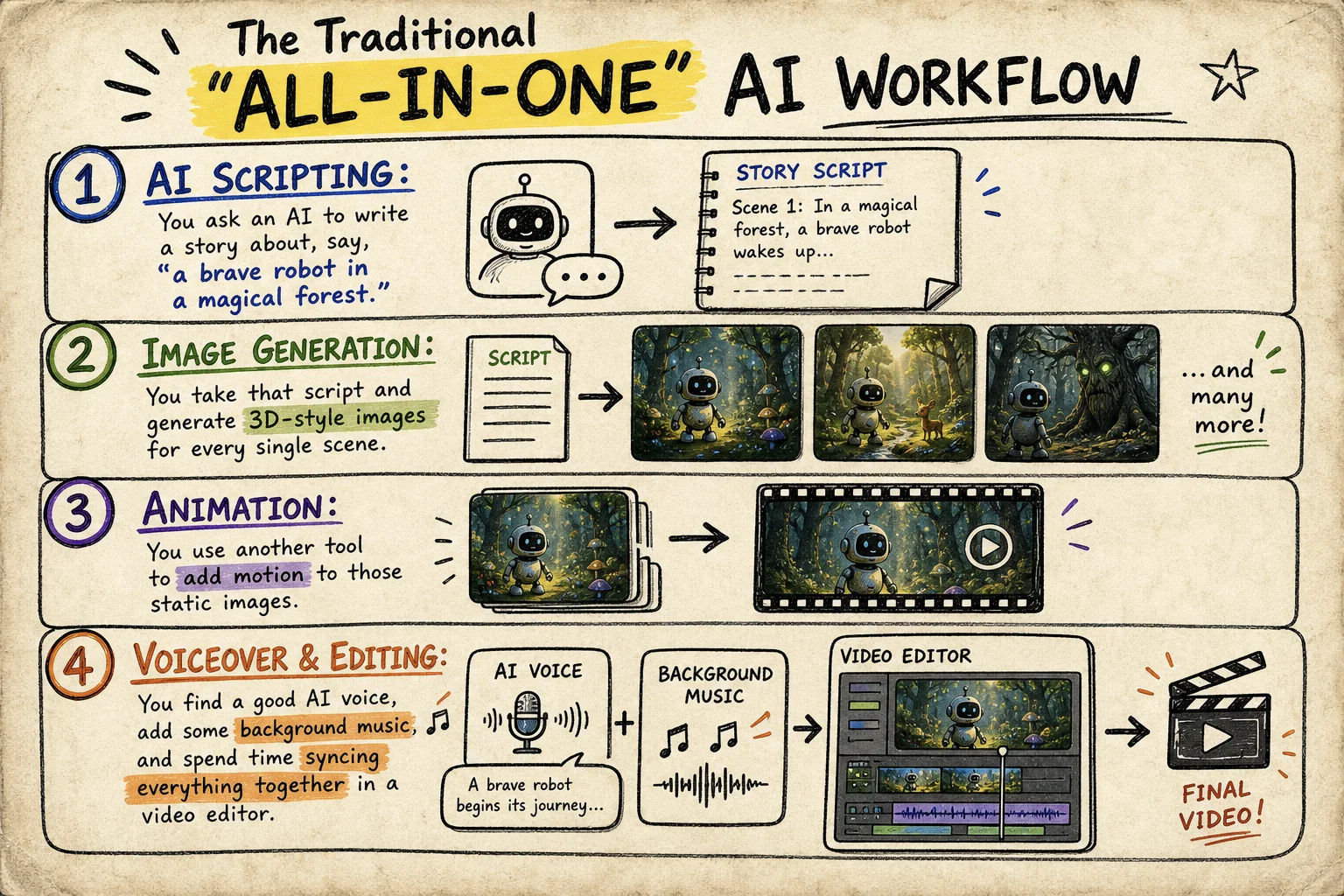
- AI Scripting: You ask an AI to write a story about, say, "a brave robot in a magical forest."
- Image Generation: You take that script and generate 3D-style images for every single scene.
- Animation: You use another tool to add motion to those static images.
- Voiceover & Editing: You find a good AI voice, add some background music, and spend time syncing everything together in a video editor.
It works, but it’s a lot of manual "copy-pasting" between different apps.
A Better Way: Streamlining with aistory.video
If you want to spend less time managing files and more time creating, aistory.video is a game-changer. It takes that messy four-step process and turns it into one smooth flow.
1. Let the AI Handle the Script
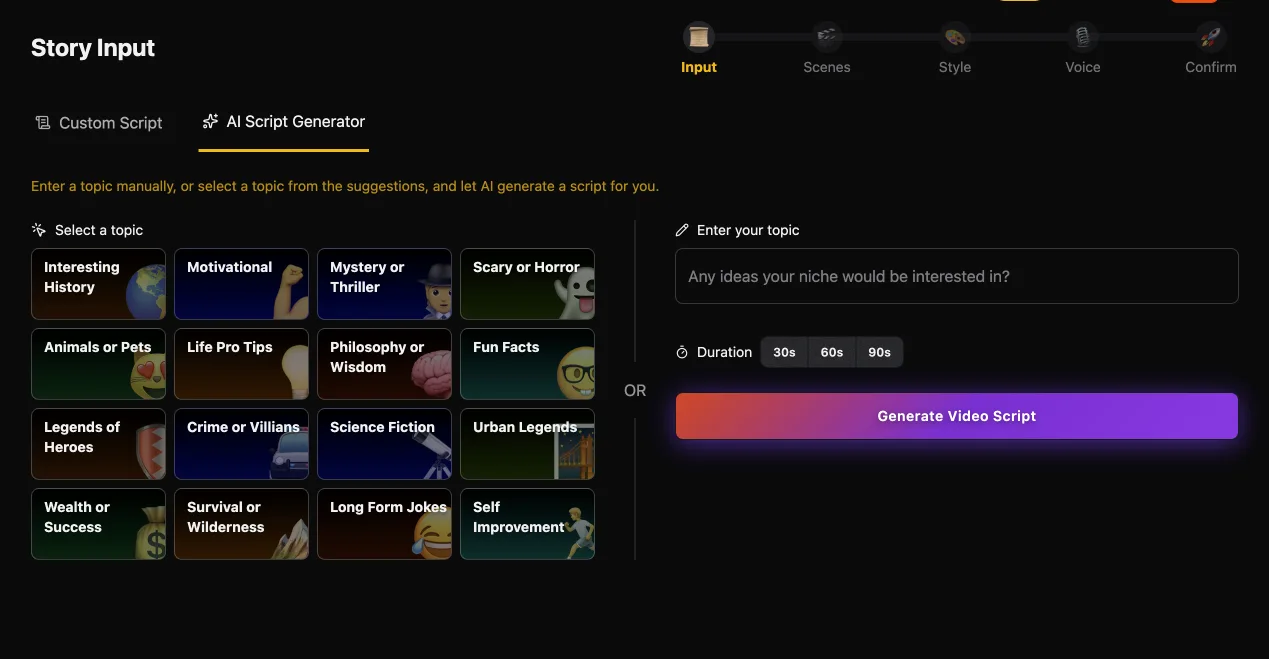
Just type in your topic—whether it’s a bedtime story about a kitten or a space adventure. Our AI doesn't just write a story; it builds a visual script designed to be turned into video.
2. Choose the "3D Animated" Style
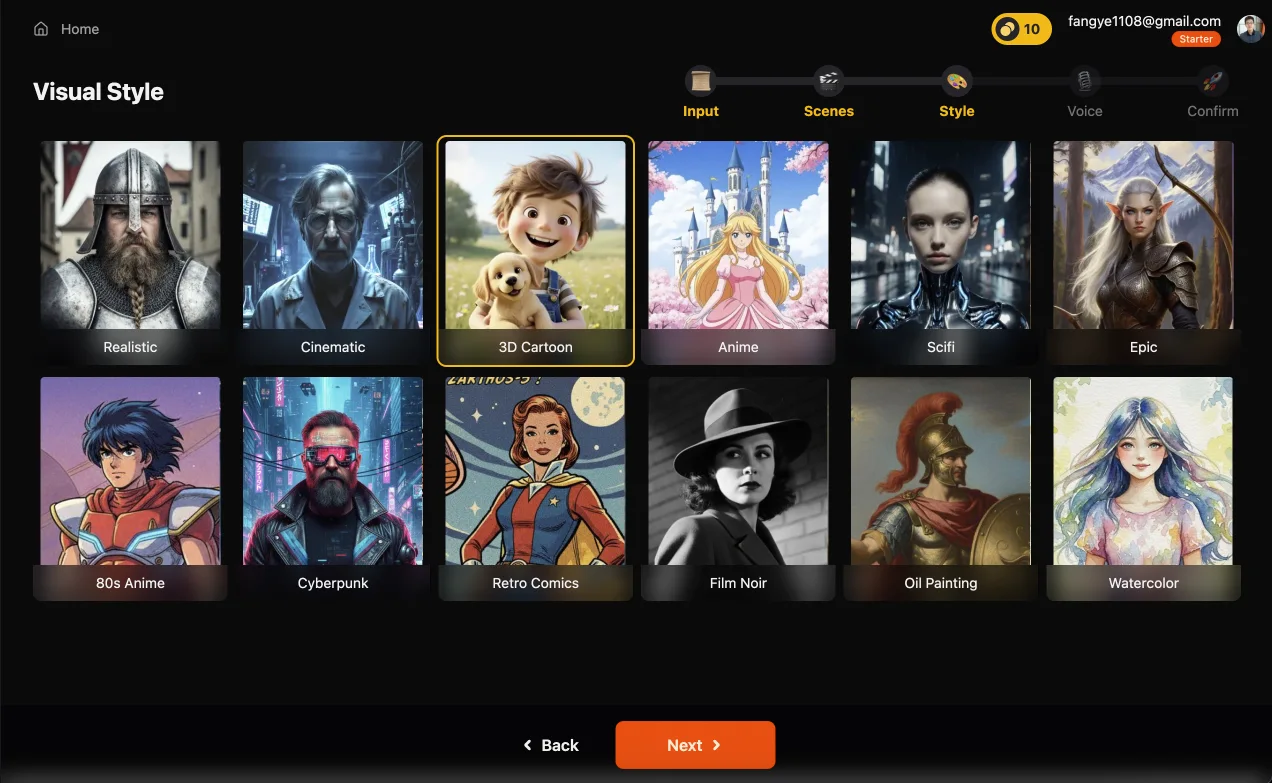
Forget about writing complex prompts for every scene. You just select our 3D Animated style. Our system automatically ensures every character and background looks consistent throughout the entire story. No more "shape-shifting" characters!
3. Generate Everything at Once
This is the big difference. Instead of animating clips one by one, aistory.video generates the visuals, adds the motion, creates the AI voiceover, and adds subtitles all in one go. You get a polished project ready for the final touch-ups.
Pro Tips for Viral Kids' Content
- Hook them early: The first 5 seconds are make-or-break. Start with a bright visual and a question or an exciting moment.
- Simple is better: Don't overthink the plot. Kids love clear characters and simple "problem-to-solution" stories.
- Pick a warm voice: A robotic voice can kill the vibe of a kids' story. Use our expressive, warm AI narrators to keep them engaged.
Ready to Start Your Channel?
You don’t need to be an expert animator to build a successful YouTube channel. The tools are here, and the niche is wide open.
Want to see it in action? Try aistory.video for free and see how easy it is to bring your first 3D story to life.