 GPT Image 2 is now available — try the latest OpenAI image model in your video projects.✨
 AIStory.Video
New: Customize Characters Before Creating Your Story Video

Story videos have two souls: the script and the characters.
The script gives the video its shape. The characters make people care. If the hero feels generic, the story usually feels generic too, even when the plot is fine.
That is why character customization is now part of the aistory.video creation flow. You can preview and generate character images before submitting a story video project.
What changed
The old Visual Style step is now called Characters.
You can still choose the visual style there, but the main focus is now the cast of the story. Each character appears as a card with:
- a vertical 9:16 preview area
- the character name
- tags like gender, creature type, and age
- a short character description
- a menu for generating the character image
If the character image has not been generated yet, you will see a default silhouette. If you want to see the character before creating the full video, you can generate the image right there.
Why characters matter more in vertical video
In a wide video, the frame has room for scenery, props, background action, and composition.
In a vertical short, the character often takes up much more of the screen. The face, outfit, body shape, and silhouette are harder to ignore. A weak character design can make the whole video feel unfinished.
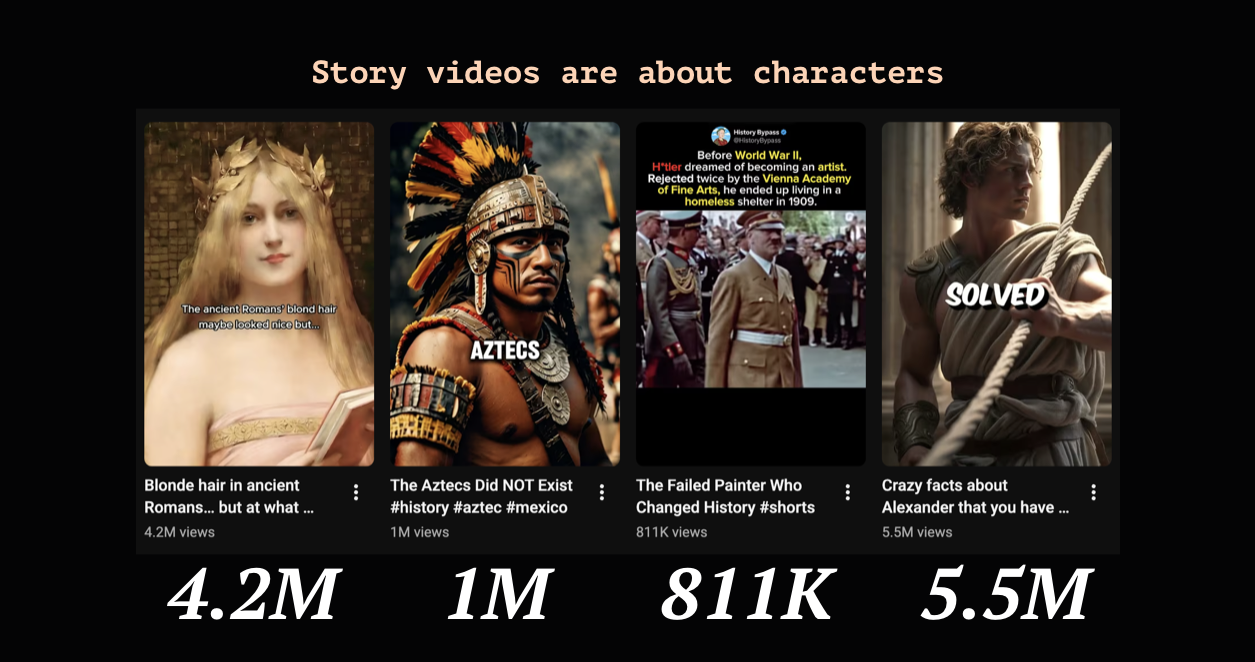
This matters for story videos, especially on YouTube Shorts and TikTok. Viewers make quick decisions. If the character feels clear and memorable in the first few seconds, the story has a better chance.
Generate characters now or with the project
You have two ways to handle character images.
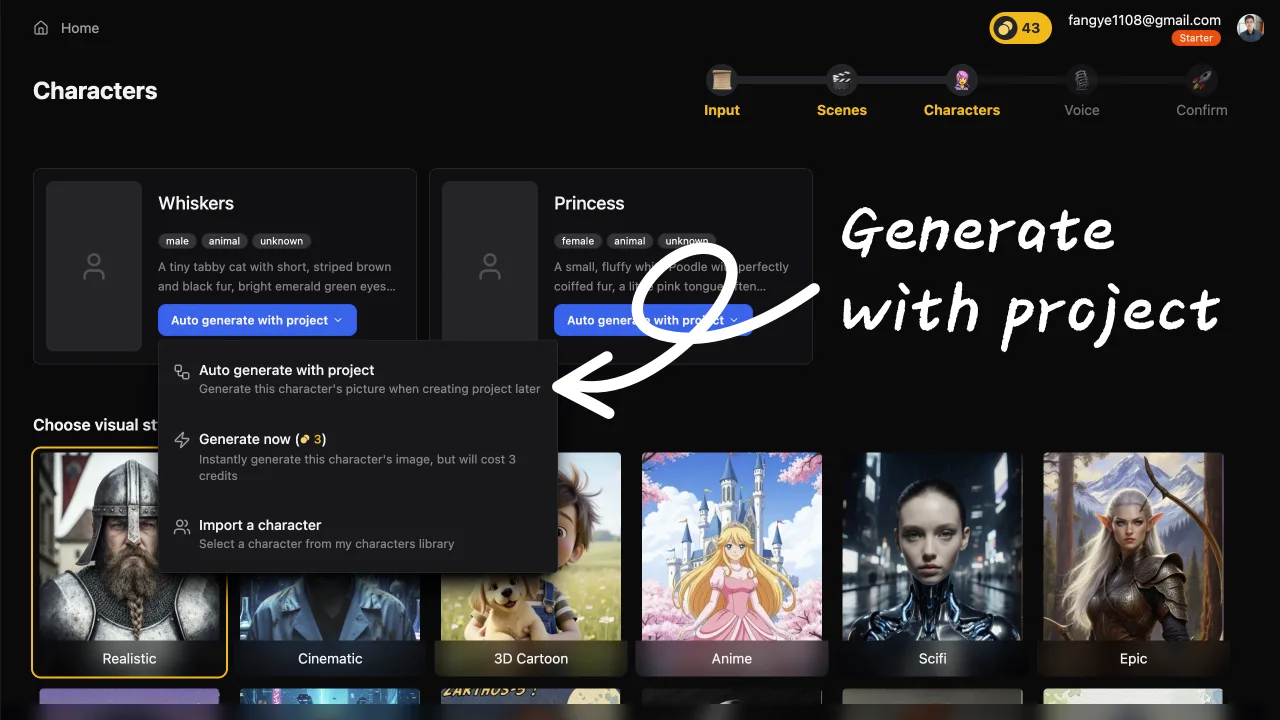
The default option is to generate them with the project. That keeps the flow simple. You choose your story setup, submit the project, and the full pipeline handles the character images as part of the video creation process.
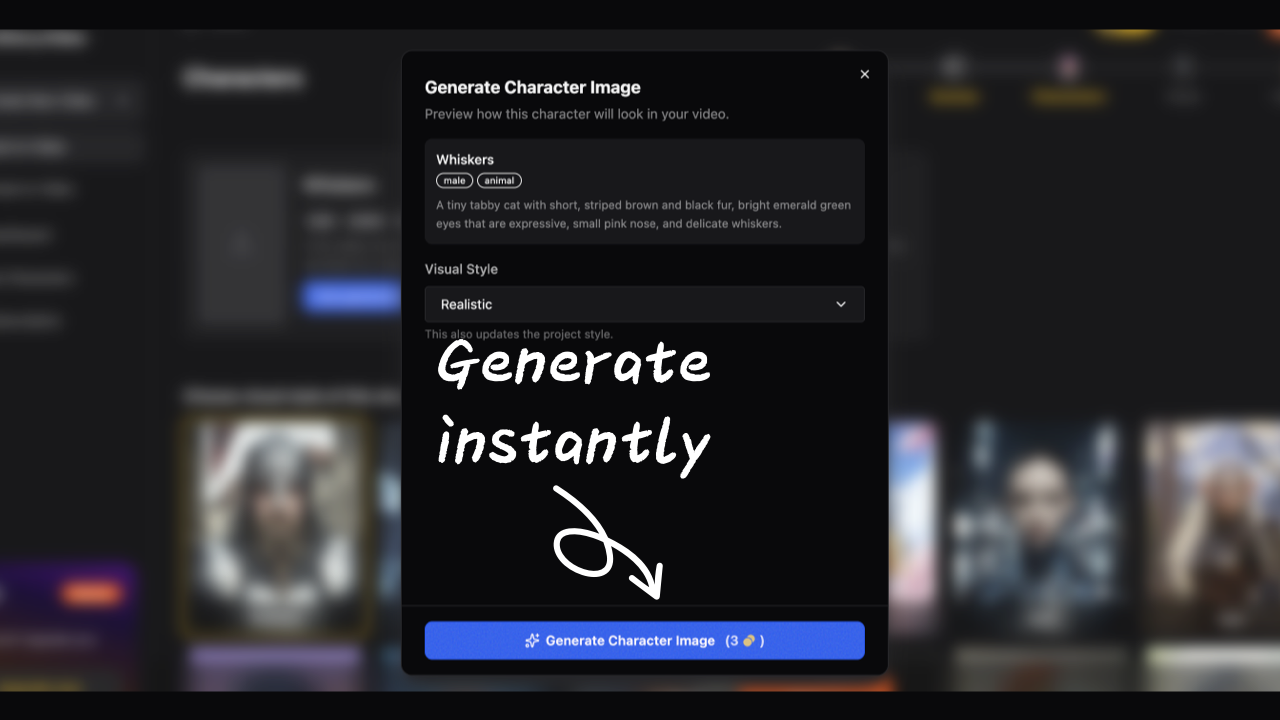
You can also generate a character image immediately from the Characters step. This costs 3 credits per character image.
That option is useful when a character really matters to the video. You can open the generation dialog, review the character details, choose the visual style, and generate a preview image before the project runs. If you like the result, aistory.video will reuse that image later instead of generating it again.
The character library makes series videos easier
We also updated the character library so saved characters use the same 9:16 preview shape as your vertical videos.
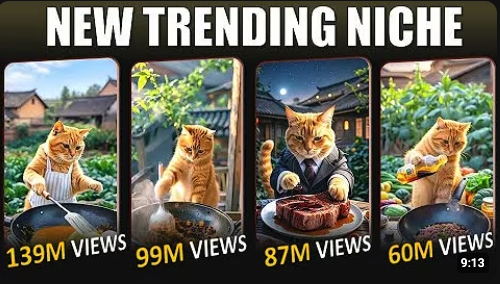
This is a small detail, but it matters. A reusable character is not just an asset. It is the start of a series.
If you are building a YouTube channel or TikTok account today, one-off videos are rarely enough. The stronger play is usually a repeatable format:
- the same hero in different stories
- the same narrator character across episodes
- a recurring cast for a kids story channel
- a mascot for faceless Shorts
- a character who grows across multiple videos
When viewers recognize the character, the next video feels easier to enter. You do not have to rebuild attention from zero every time.
Better for story channels, kids content, and faceless series
Character customization is especially useful for creators making:
- hero story videos
- kids story videos
- history or legend shorts
- faceless storytelling channels
- episodic TikTok or YouTube Shorts series
The character should feel intentional before the video is created.
You can still move fast. But now you get more say over the people, creatures, and heroes your audience will see on screen.
Start with a character, then build the story
If you already have a script, you can create your video from there.
If you are still shaping the idea, start with the character. Who are they? What do they want? What keeps getting in their way? A good character often gives you the story faster than a blank plot prompt.
You can use Story Script Generator to draft the story, then move into Create to build the video and customize the cast before generation.
If you want to make story videos with reusable characters for a YouTube or TikTok series, start here: Create with aistory.video
Related links
- Create a story video with aistory.video
- My Characters
- Story Script Generator
- Character Generator
- Choose the AI Image Model for Each Scene
FAQ
Can I preview characters before creating the full video?
Yes. In the Characters step, you can view the generated cast and choose to generate character preview images before submitting the project.
Does immediate character image generation cost credits?
Yes. Immediate character image generation costs 3 credits per character image. If you let the project pipeline generate the character image later, it is included in the project creation cost.
Will a pre-generated character image be reused later?
Yes. If you generate a character image during setup, aistory.video reuses that image when the project runs.
Can I use the same character across multiple videos?
Yes. The character library helps you keep and reuse characters across projects, which is useful for making series videos.