
 AIStory.Video
aistory.video vs Pictory AI: Which Is Better for Faceless Videos?
If you want a broad AI video platform for educational, repurposed, or script-led story content, Pictory AI is often the better fit. If you want a simpler and more focused workflow for YouTube Shorts or TikTok faceless videos, aistory.video is usually the stronger choice.
Hero Summary
This comparison comes down to breadth versus specialization.
Pictory AI is the broader platform. It supports many starting points, which makes it useful for educational, informational, or repurposed story content.
aistory.video is narrower by design. It focuses on turning ideas or scripts into faceless short-form videos for YouTube and TikTok, which makes the workflow faster and easier to follow.
Quick Verdict
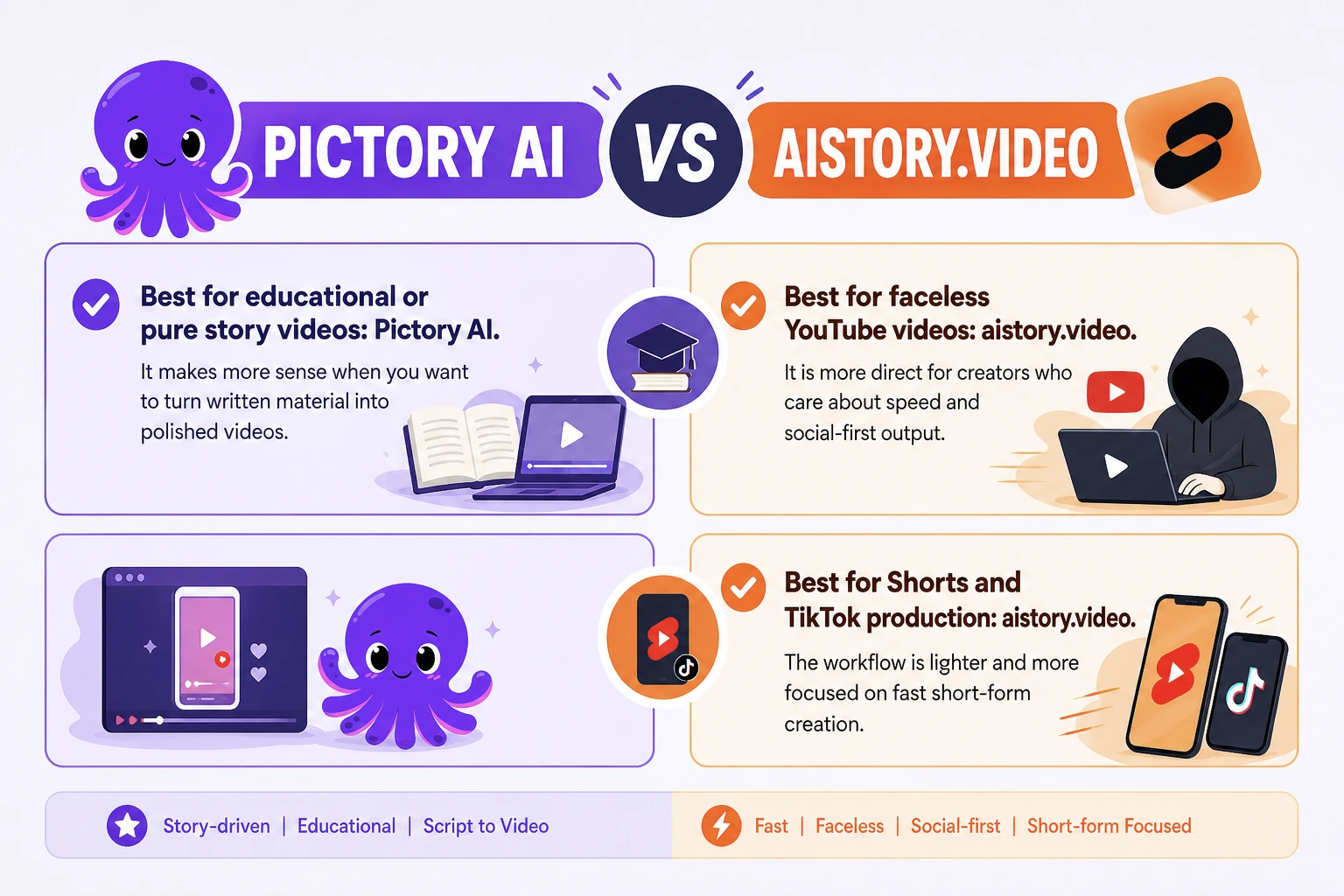
Best for educational or pure story videos: Pictory AI. It makes more sense when you want to turn written material into polished videos.
Best for faceless YouTube videos: aistory.video. It is more direct for creators who care about speed and social-first output.
Best for Shorts and TikTok production: aistory.video. The workflow is lighter and more focused on fast short-form creation.
Side-by-Side Snapshot
| Dimension | aistory.video | Pictory AI | Notes |
|---|---|---|---|
| Best for | Faceless short-form videos for YouTube and TikTok | Broad AI video creation and content repurposing | This is the biggest strategic difference |
| Input workflow | Prompt-to-video or script-to-video | Text, scripts, blog posts, URLs, PPTs, images, screen recordings, existing videos | Based on current official product positioning reviewed on 2026-04-23 |
| Script support | Stronger fit for story-led short-form scripting | Better for converting existing written content into video | Different script philosophy |
| Scene / shot workflow | More focused on getting to short-form story output quickly | Broader content assembly options | aistory.video is more specialized |
| Voiceover / subtitles | Covers the essentials for faceless publishing | Strong broader tool coverage with captions and repurposing features | Pictory supports more entry points |
| Editing experience | Simpler, more direct, fewer decisions | More feature-rich, but can feel more complex | Simplicity is a real advantage for short-form creators |
| Speed to first draft | Faster for focused faceless workflows | Strong for repurposing existing content, but may involve more setup | Depends on content source |
| Best content type | Faceless social videos, short-form storytelling, vertical content | Educational story videos, explainers, repurposed content, broader content operations | User intent matters more than raw feature count |
| Pricing note | Verify before publish | Verify before publish | Avoid hard-coding unstable pricing details |
aistory.video vs Pictory AI at a Glance
These tools overlap, but they solve different jobs.
Pictory AI is a larger and more general video platform. It is a better fit for users who want flexibility, more input formats, and deeper repurposing options.
aistory.video is smaller and more specialized. If your goal is to make faceless videos for YouTube or TikTok, that focus can be more useful than extra breadth.
Workflow Comparison
Starting Point
Pictory AI supports many ways to begin, which is useful when your workflow starts from existing written or recorded material.
aistory.video starts from a more focused path. It is built around prompt-to-video and script-to-video workflows that fit faceless content creation better.
Script and Structure
Pictory AI is strong when you already have content and want to convert it into video, especially for educational or explainer-style stories.
aistory.video is stronger when the content needs to work as social-first storytelling and short-form faceless content.
Visual Generation and Assembly
Pictory AI works better as a broader assembly system, especially when your content sources vary.
aistory.video is more opinionated, which is useful for creators who want a cleaner path to short-form faceless storytelling.
Voiceover, Captions, and Editing
Pictory AI has the advantage if you want a fuller editing environment. The tradeoff is more complexity.
aistory.video takes the opposite approach. Its editing flow is simpler and more direct, which is often better for fast faceless video production.
Export and Iteration
If you want to test many short-form ideas quickly, aistory.video is the easier tool to like.
If you rely on repurposing existing assets across formats, Pictory AI may feel more flexible.
Which Is Better for Story Videos, Faceless Videos, and Shorts?
If you mainly create story videos
If you mean pure story-led or educational videos, especially for kids or learning content, Pictory AI may be the better choice.
If you mean story content built for YouTube Shorts or TikTok, aistory.video is often the better fit.
If you mainly create faceless videos
aistory.video is the better choice for most faceless creators. The workflow is more directly aligned with fast short-form publishing.
Pictory AI can still work, but it feels like a broader platform being used for a narrower job.
If you mainly want fast YouTube Shorts or TikTok output
aistory.video is the clearer pick. This is where the small-and-specialized advantage matters most.
Pictory AI is stronger if short video is only one part of a bigger content repurposing workflow.
Where aistory.video Wins
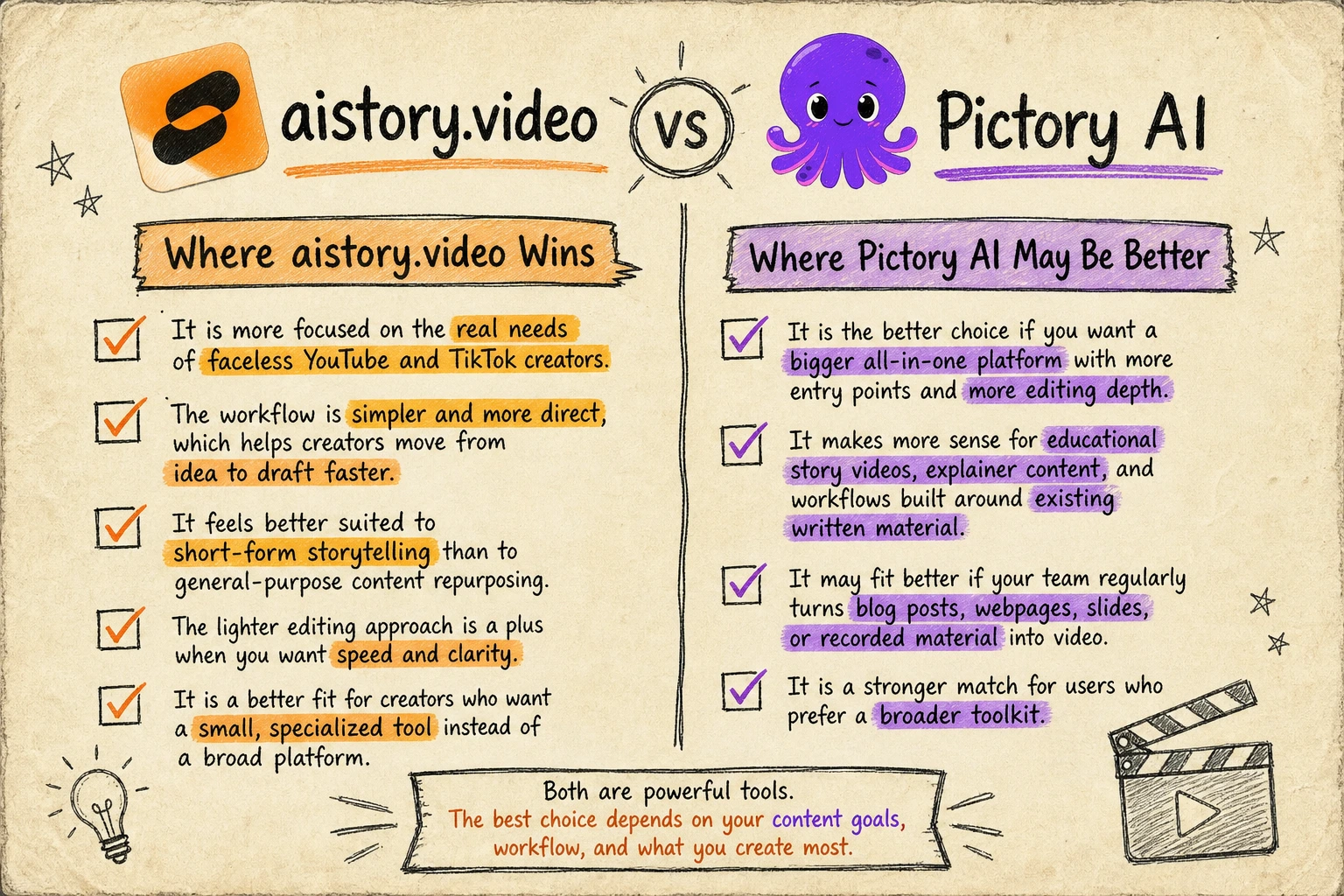
- It is more focused on the real needs of faceless YouTube and TikTok creators.
- The workflow is simpler and more direct, which helps creators move from idea to draft faster.
- It feels better suited to short-form storytelling than to general-purpose content repurposing.
- The lighter editing approach is a plus when you want speed and clarity.
- It is a better fit for creators who want a small, specialized tool instead of a broad platform.
Where Pictory AI May Be Better
- It is the better choice if you want a bigger all-in-one platform with more entry points and more editing depth.
- It makes more sense for educational story videos, explainer content, and workflows built around existing written material.
- It may fit better if your team regularly turns blog posts, webpages, slides, or recorded material into video.
- It is a stronger match for users who prefer a broader toolkit.
Should You Switch from Pictory AI to aistory.video?
You should consider trying aistory.video if your current workflow feels heavier than your actual publishing goal.
If you mainly make faceless YouTube videos or TikTok content, a more focused tool may get you to output faster.
You may not need to switch if your content starts from lesson material, blog posts, URLs, or educational story scripts and you rely on broader editing depth.
The simplest way to decide is to test one identical idea in both tools:
- Pick one story or faceless video concept.
- Create a short draft in Pictory AI.
- Create the same concept in aistory.video.
- Compare how quickly you reached something you would actually publish.
Recommended Next Step
If your main goal is faceless short-form content, the best next step is to try aistory.video with a real YouTube Shorts or TikTok concept.
FAQ
Is aistory.video better than Pictory AI for beginners?
It depends on the job. If you want a broader video toolkit, Pictory AI can make sense. If you want a simpler path to faceless YouTube or TikTok videos, aistory.video is usually easier.
Which tool is better for faceless videos?
aistory.video is the better fit for most faceless video creators because the workflow is more specialized for short-form and social-first publishing.
Which tool is better for educational story videos?
Pictory AI is often the better option for educational story videos, especially when the source material already exists as text or scripts.
Is Pictory AI more powerful than aistory.video?
In terms of breadth, yes. Pictory AI is the bigger and more general platform. But for faceless YouTube and TikTok creation, aistory.video can be more practical because it is narrower and more focused.
Is it worth switching from Pictory AI to aistory.video?
It can be worth it if your real job is fast faceless video production and you do not need a broad repurposing suite. If you rely on Pictory's wider inputs and fuller editing environment, switching may not help.